Project Management
Overview
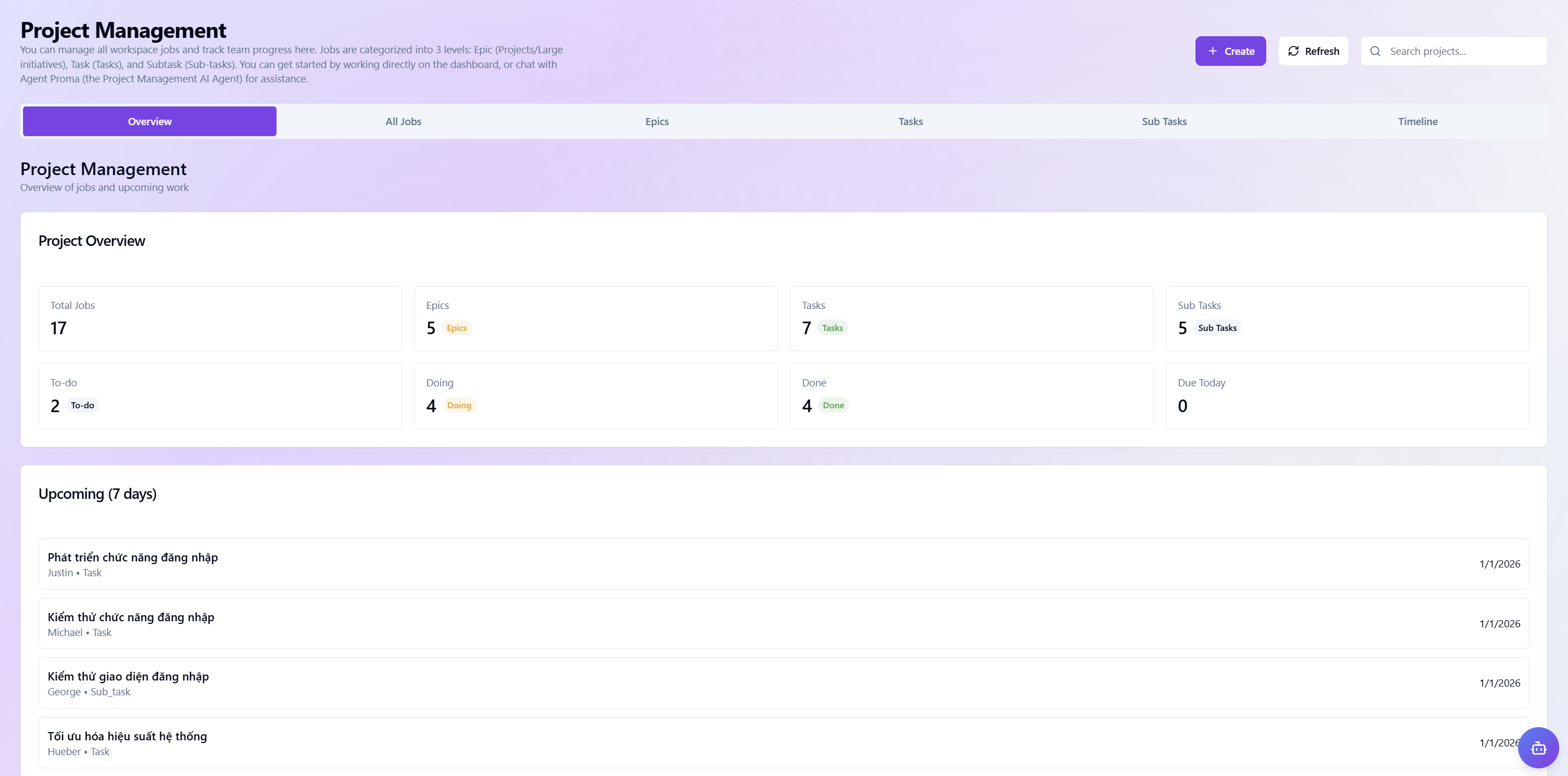
Central coordination and progress tracking hub that lets you manage all workspace activities scientifically with AI support.
 Overview
- Flexible work hierarchy: Organize tasks in three levels—Project, Task Group, Task—to optimize execution.
- Dedicated AI assistant: Interact directly with Agent Proma on the dashboard for planning, resource allocation, and resolving project blockers.
- Progress reporting & forecasting: Track current status, due/overdue tasks, and the 7-day outlook to help teams prioritize and ensure all critical milestones are met.
- Quick actions: Use the "+ Create" button to quickly add new work items and the search bar to instantly retrieve any project data.
All Works
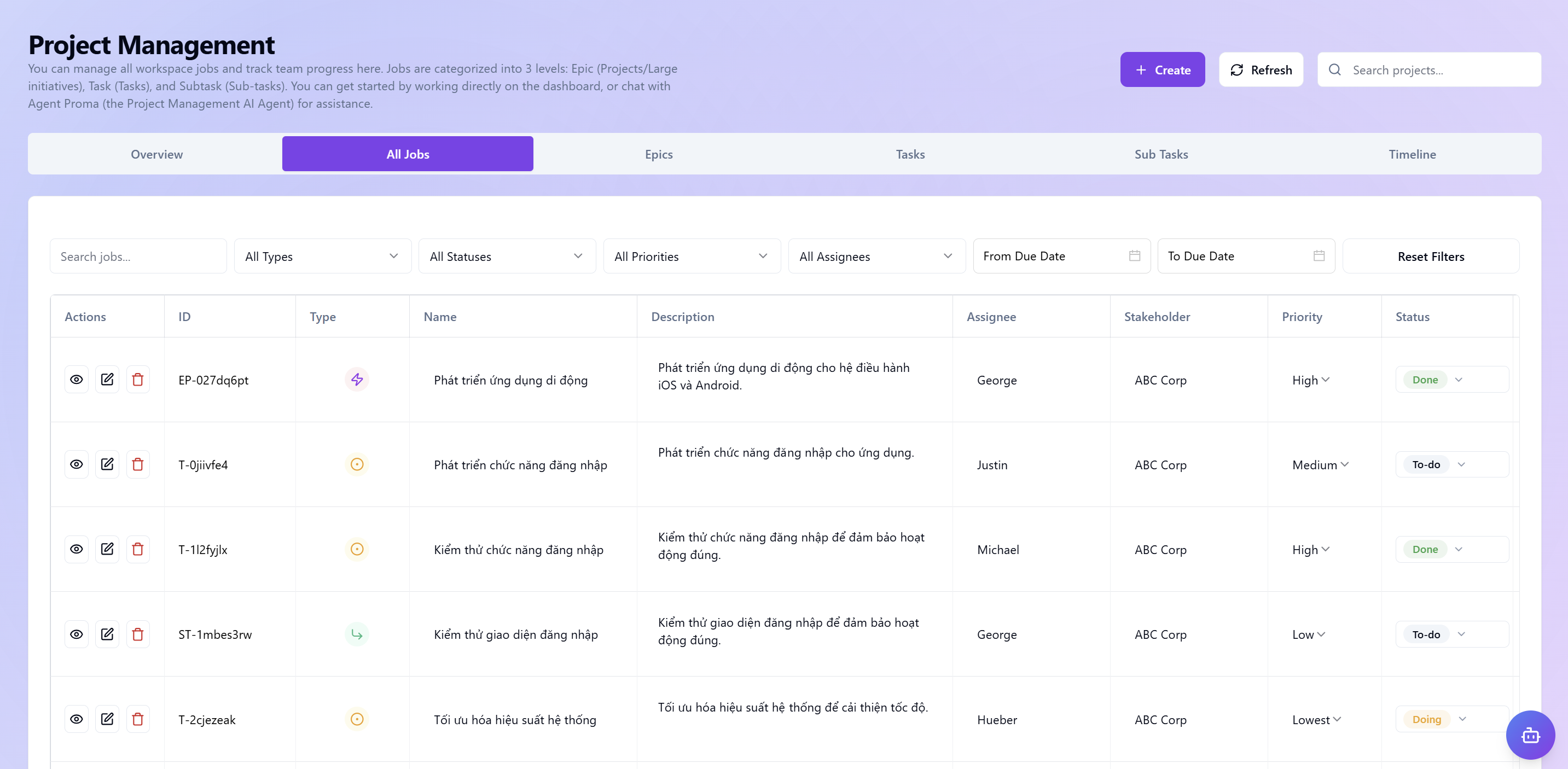
Centralized management interface to monitor, retrieve, and coordinate the full catalog of work items in detail and transparency.
 All Works
- Detailed data table: Comprehensive view of each work item via standardized columns: ID, Name, Description, Stakeholders, Start time, etc.
- Smart filters: Use advanced filters by Type, Status, Priority, Assignee, etc., to track as needed.
- Fast retrieval:
- Search: Find projects, task groups, tasks by typing in the "Search bar".
- Reset filters: Return the list to default state.
- Add new: Use "+ Create" to add Project / Task Group / Task.
- Refresh: Reload the latest data.
- Chat with Agent Proma: Communicate and delegate directly with the Agent via the chat dialog by clicking the Agent icon at the bottom right.
Projects
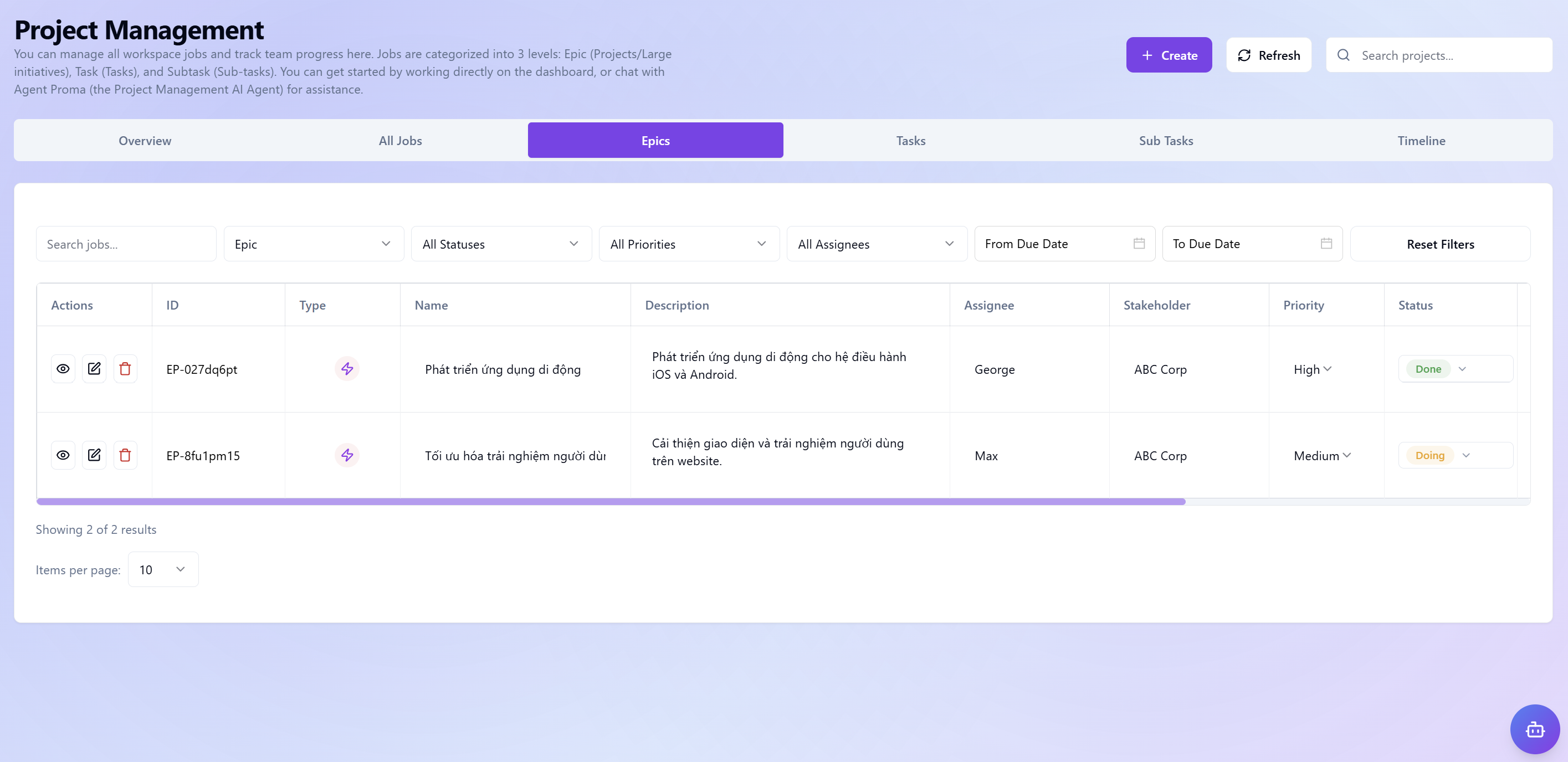
Admin interface for initiatives and projects, helping you oversee the full strategic roadmap and long-term business objectives.
 Projects
Task Groups
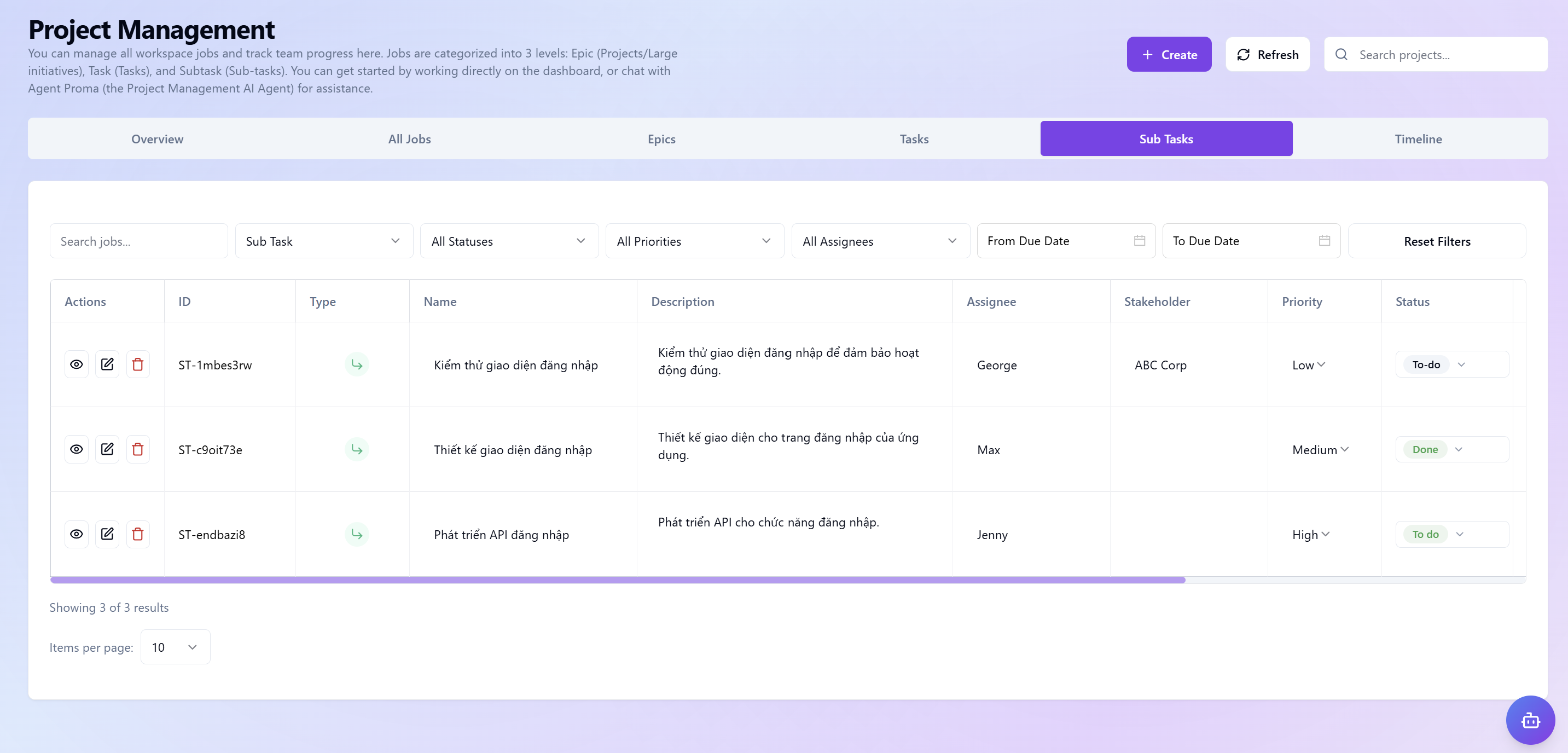
Coordination hub for core execution activities, part of the three-tier hierarchy that turns large goals into concrete, measurable work items.
 Task Groups
Tasks
The most detailed execution level in the three-tier management structure, letting you break down large tasks into small, specific, easily controllable items at the individual level.
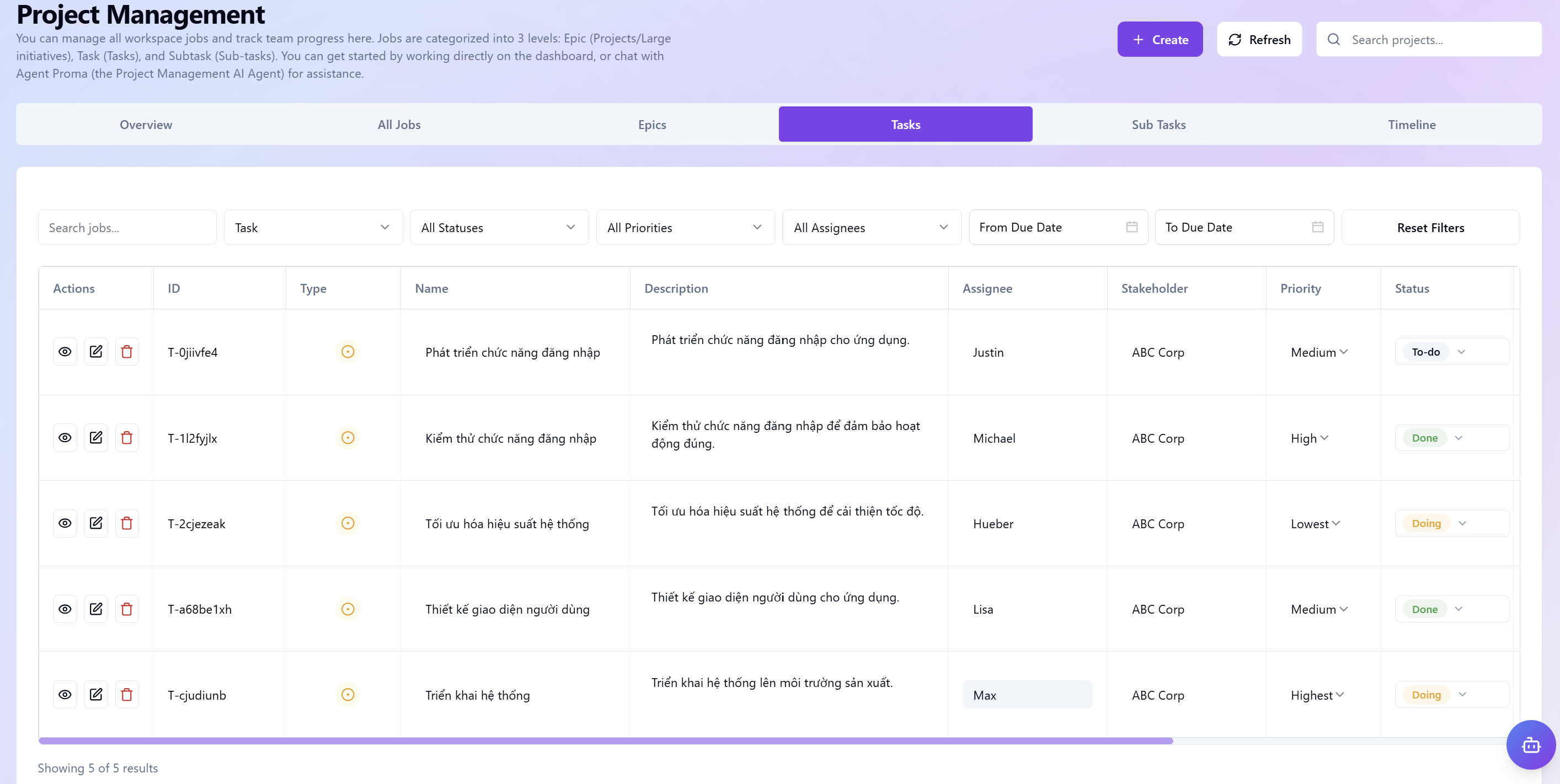 Tasks
Tasks
Timeline
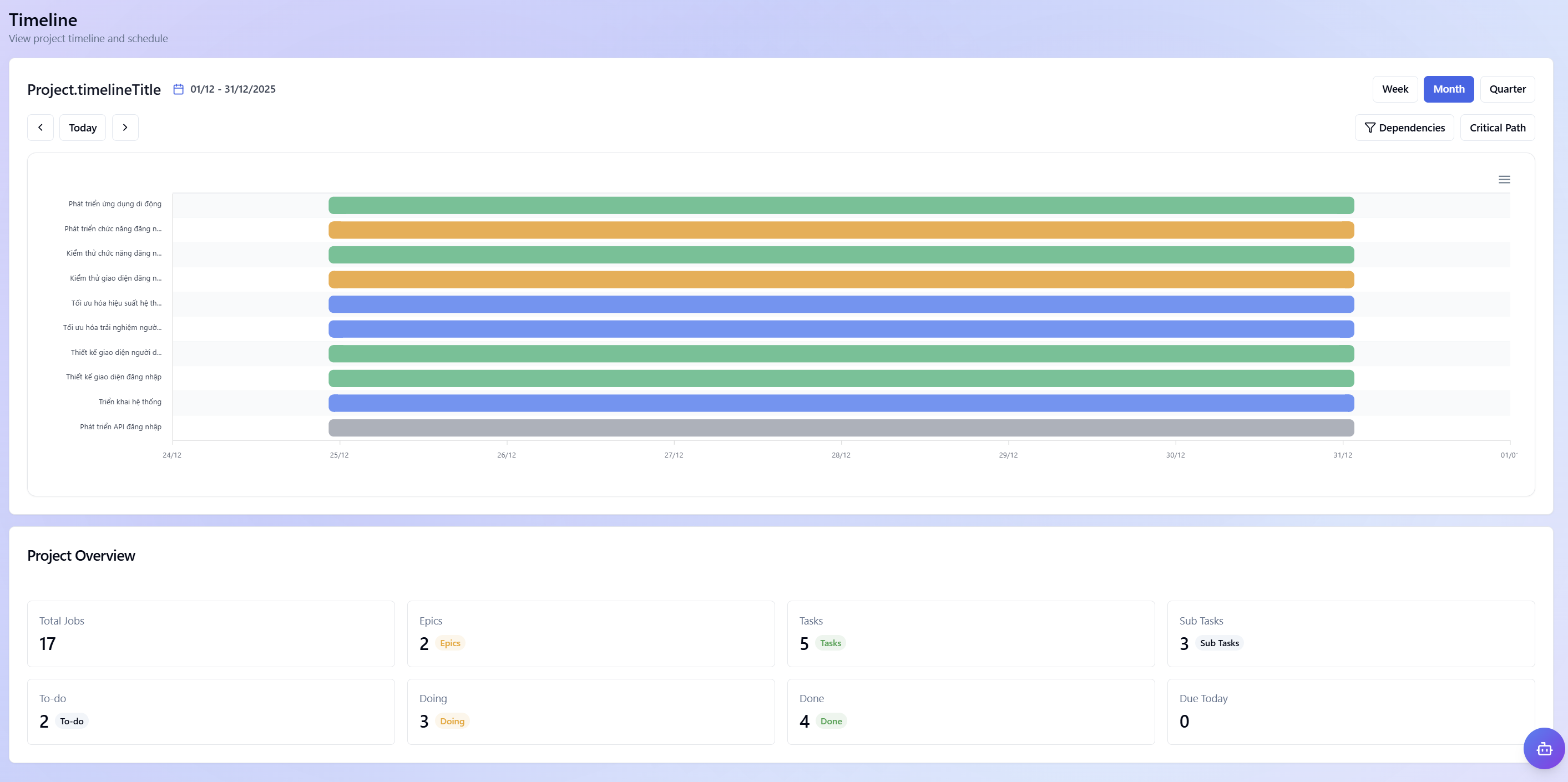 Timeline
Visual roadmap management interface to coordinate and control all project progress in real time.
- Visualize the roadmap: Display task items on a dynamic Gantt chart, helping teams quickly grasp execution sequence and resource allocation over time.
- Flexible management views: Quickly switch between Week, Month, or Quarter views for detailed daily monitoring or long-term strategic planning.
- Optimize execution flow: Use Dependencies and Critical Path tools to identify key tasks, ensuring smooth project operation without interruption at critical points.
- Overall status control: Integrated project overview panel on the timeline provides instant visibility into task counts, hierarchy levels, and current progress...